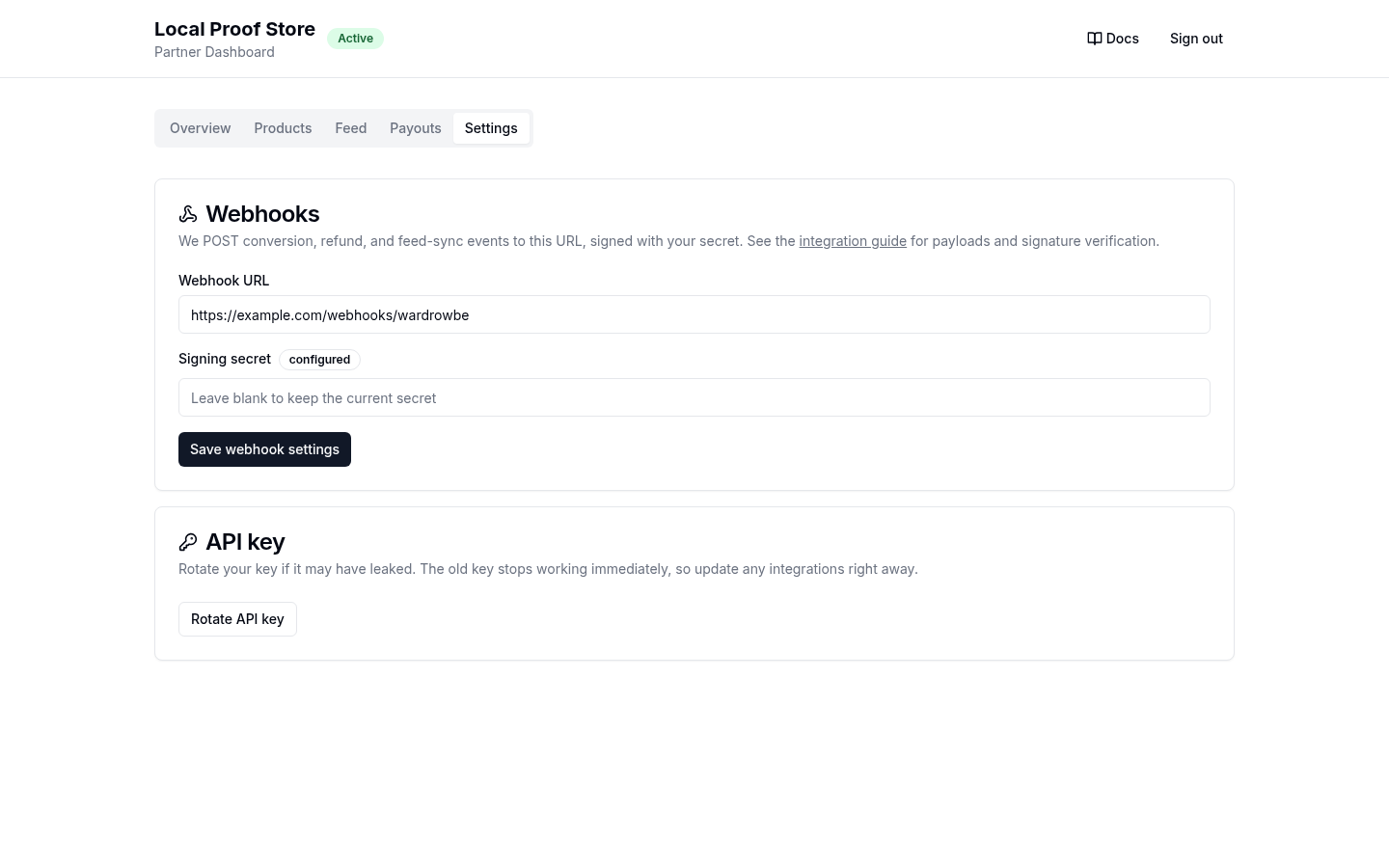
Partner Portal
The portal at app.wardrowbe.com/partner is where you manage everything after approval. Sign in by entering your contact email; we send a single-use link that opens a browser session, so your API key never has to leave your servers. Pasting the API key still works as a fallback. Either credential stays in your browser session and is never stored server-side.
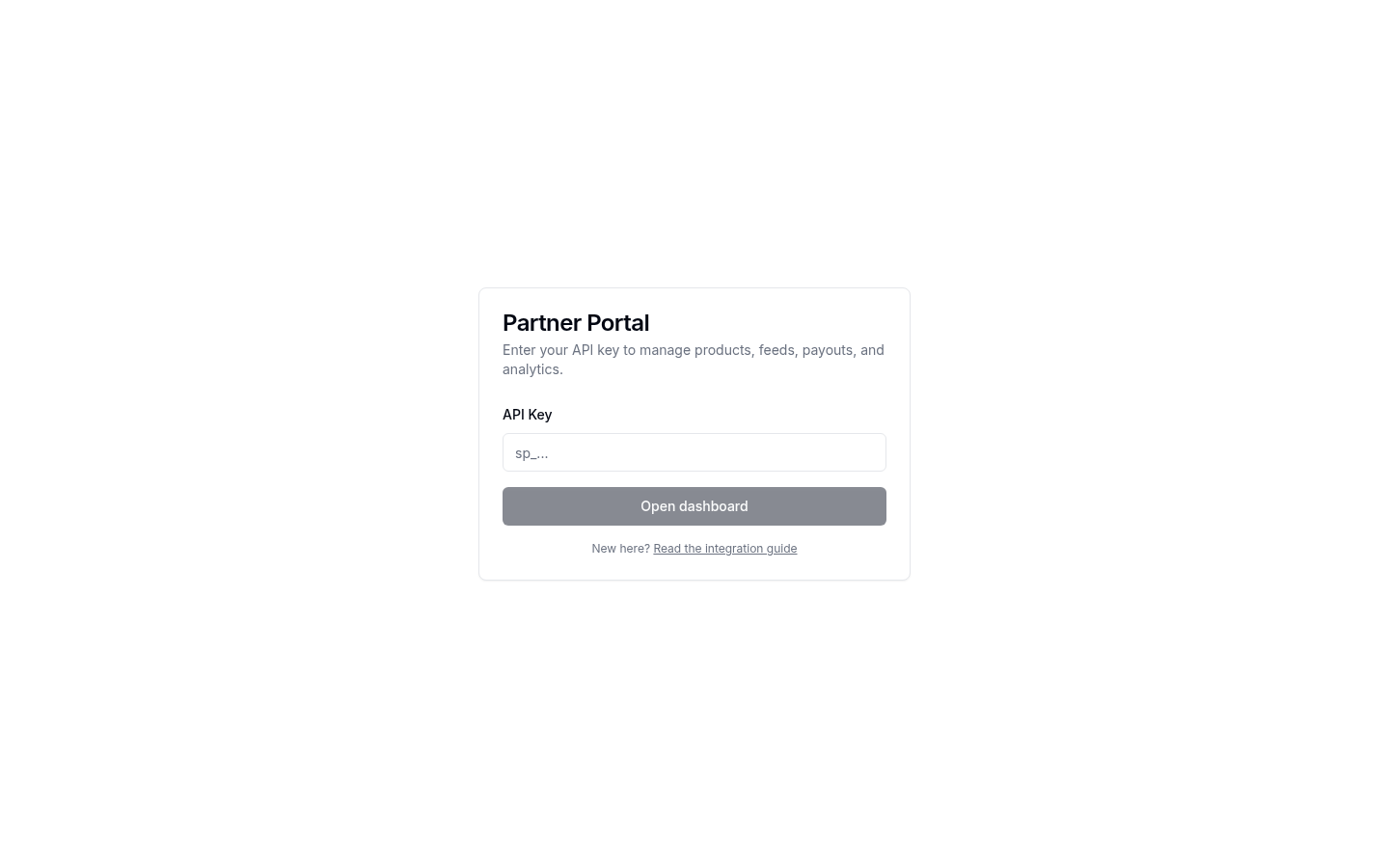
Overview
Your program at a glance: contract status, commission rate, and performance (impressions, clicks, conversions, and earned commission).
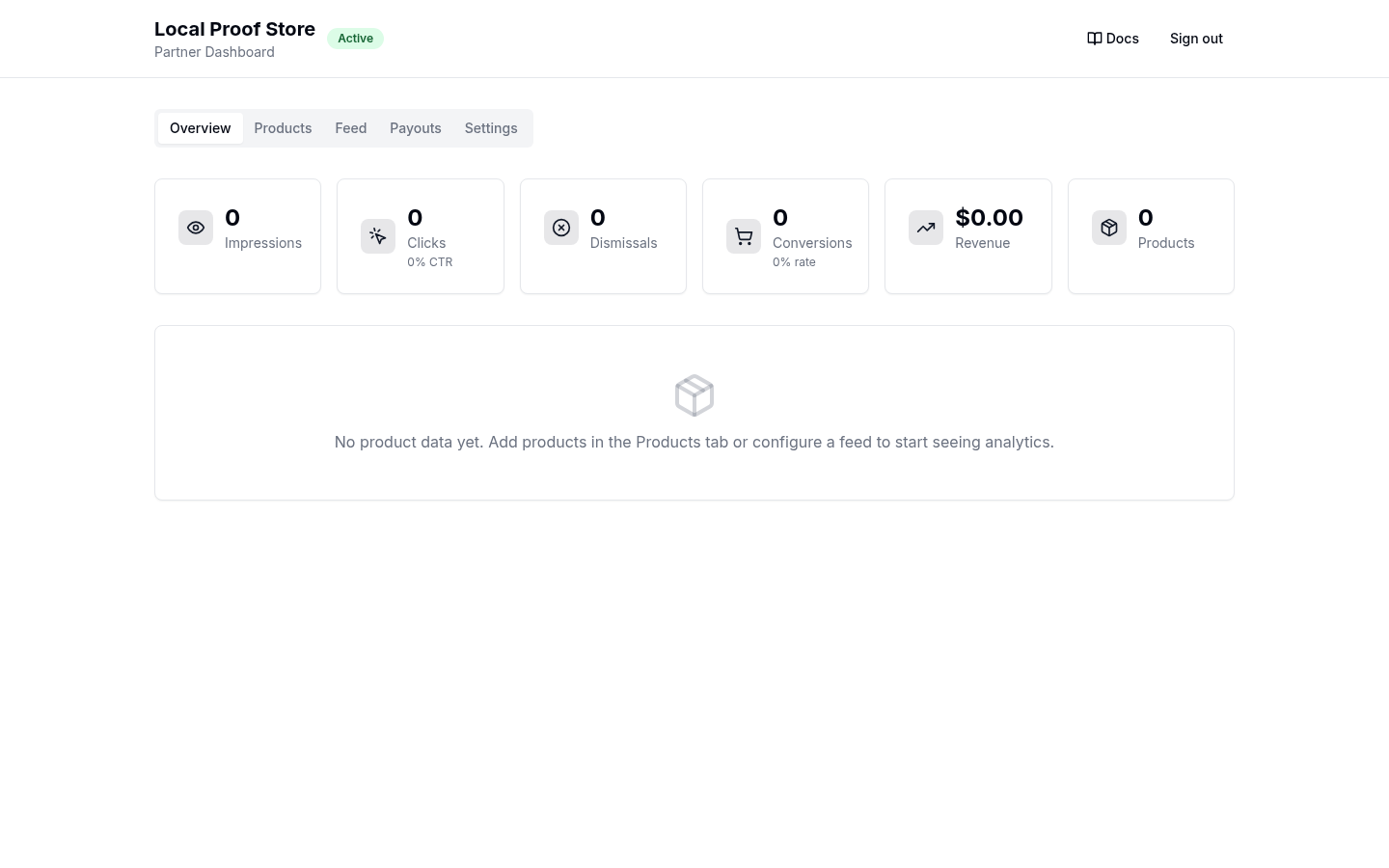
Products
Your live catalog as Wardrowbe sees it. Create, edit, and deactivate products here directly, or let the feed manage them. Products list their price, clothing type, and active state.
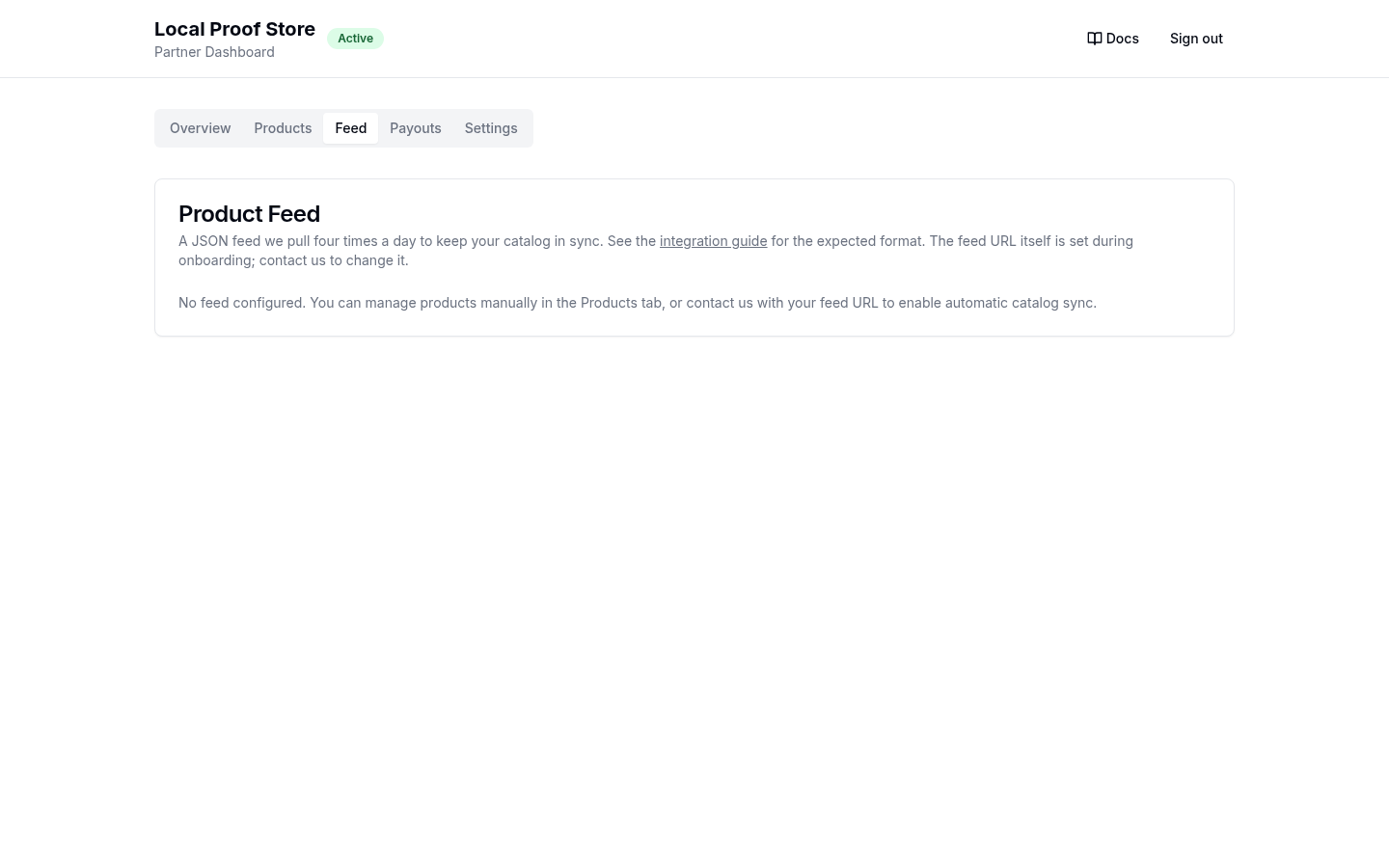
Feed
Configure the feed URL, validate the feed without importing anything (per-item errors are listed), trigger a manual sync, and see the last sync result: created, updated, and skipped counts plus any per-item failures.
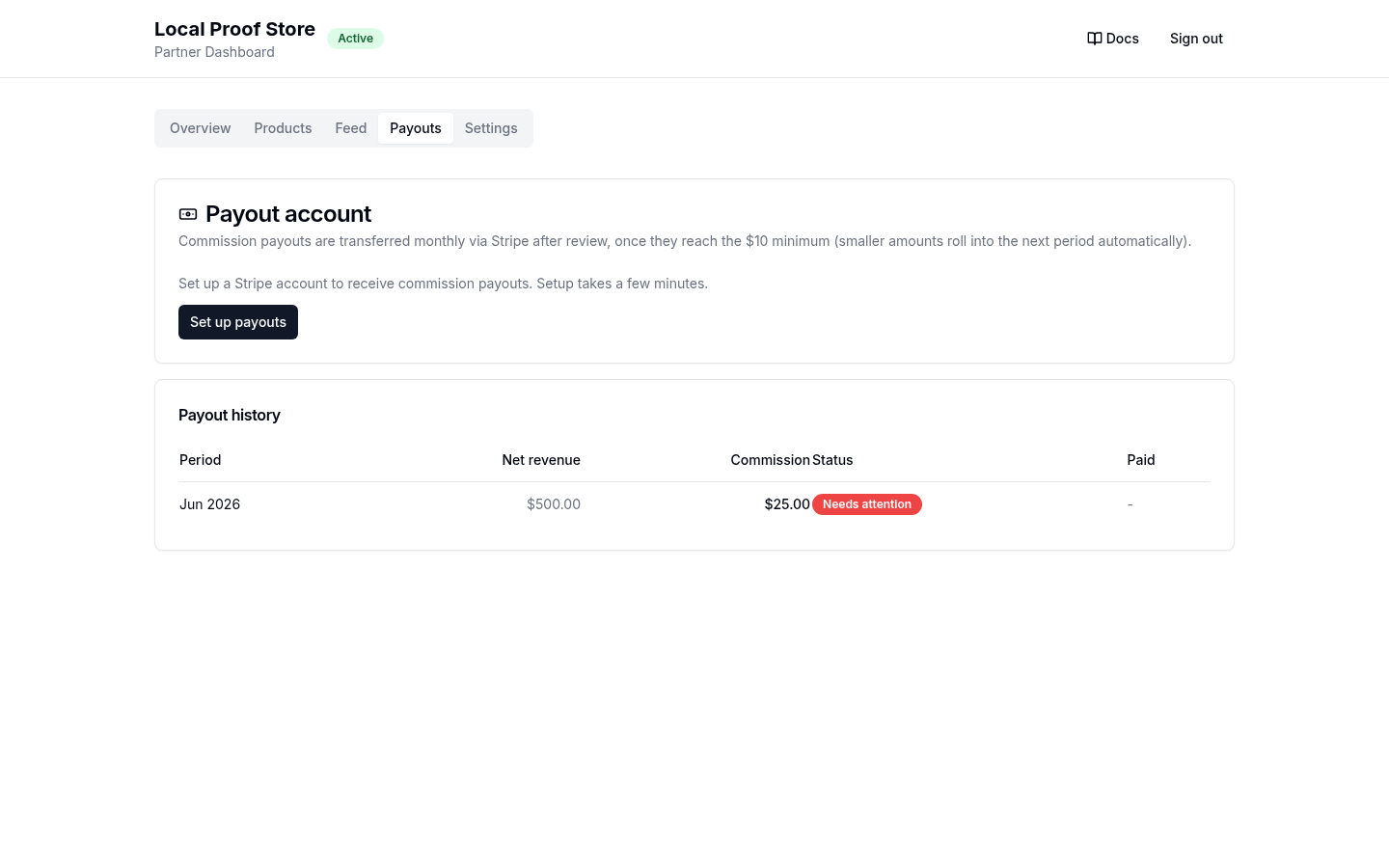
Billing
Add a payment method (a single step, handled by Stripe) and see your commission history: period, amount, and status for each invoice. You keep 100% of every sale; this is where you settle the commission on the sales we sent you. Nothing is charged until an invoice is reviewed and approved, and the tab shows exactly what is missing until a method is on file.
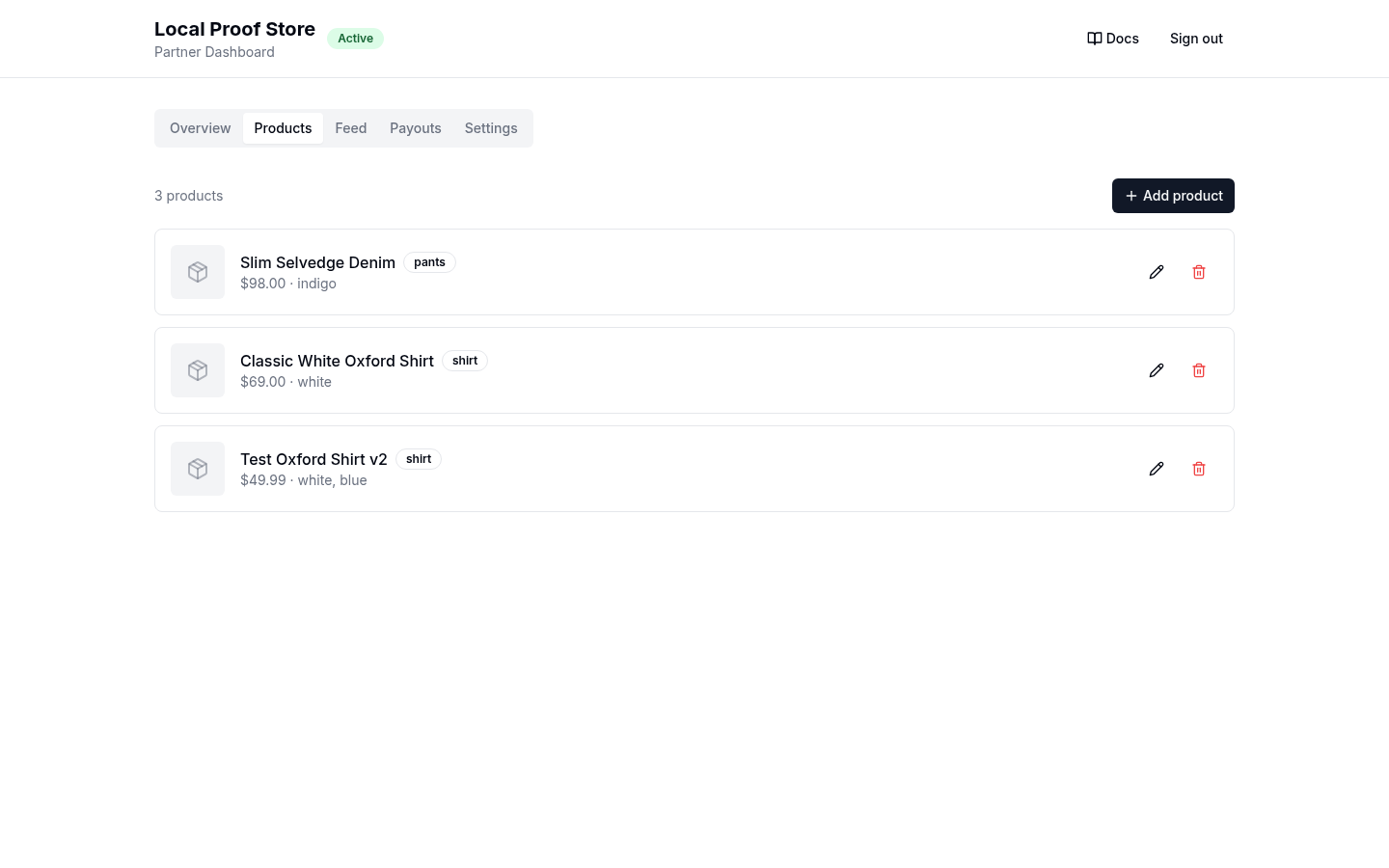
Settings
Webhook URL and signing secret, plus API key management: generate your key here after approval (it is shown once), and rotate it if it may have leaked. Rotation invalidates the old key immediately; when you are signed in via email link your session is unaffected, so you can rotate without being signed out.