Outfit History
History lives inside the unified Outfits tab now, not on its own page. The legacy /history URL still works and redirects to /outfits?view=calendar, but the canonical location for wear history is the calendar mode of Outfits.
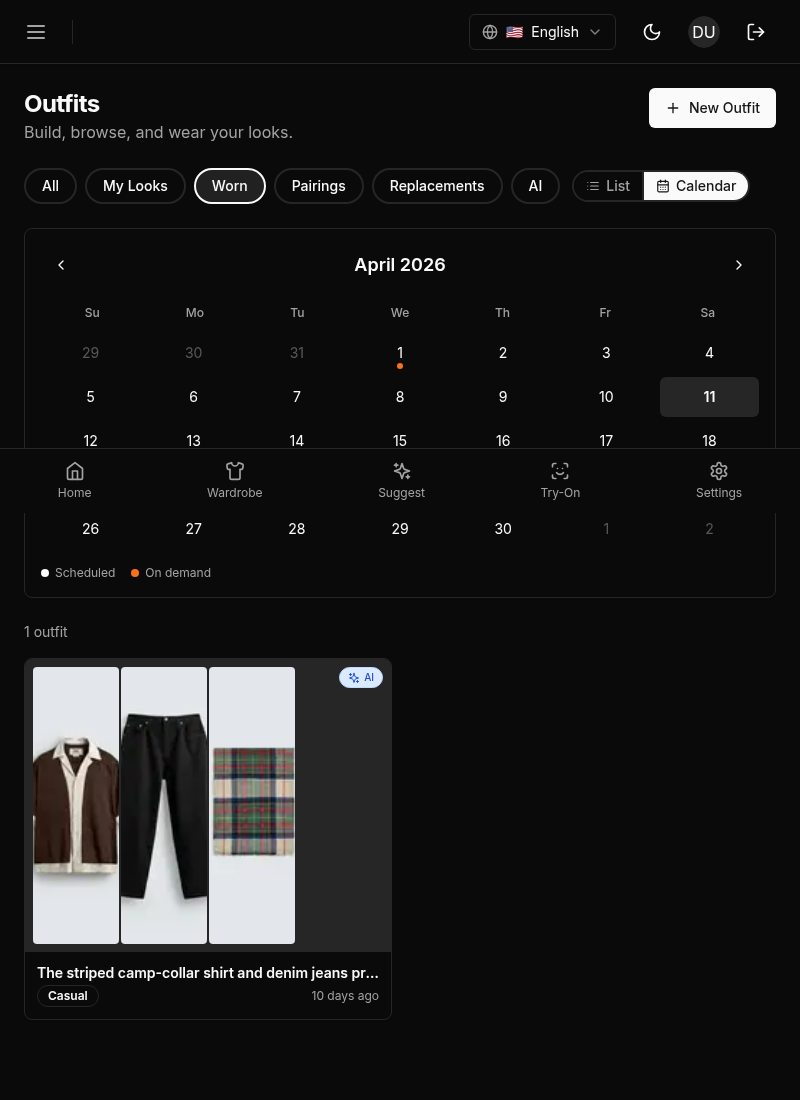
The calendar view is a record of every outfit you’ve worn. It shows what was suggested, what you actually wore, and how you rated it, in a calendar that matches your actual month.
Layout
The Outfits tab in calendar mode has a two-panel layout:
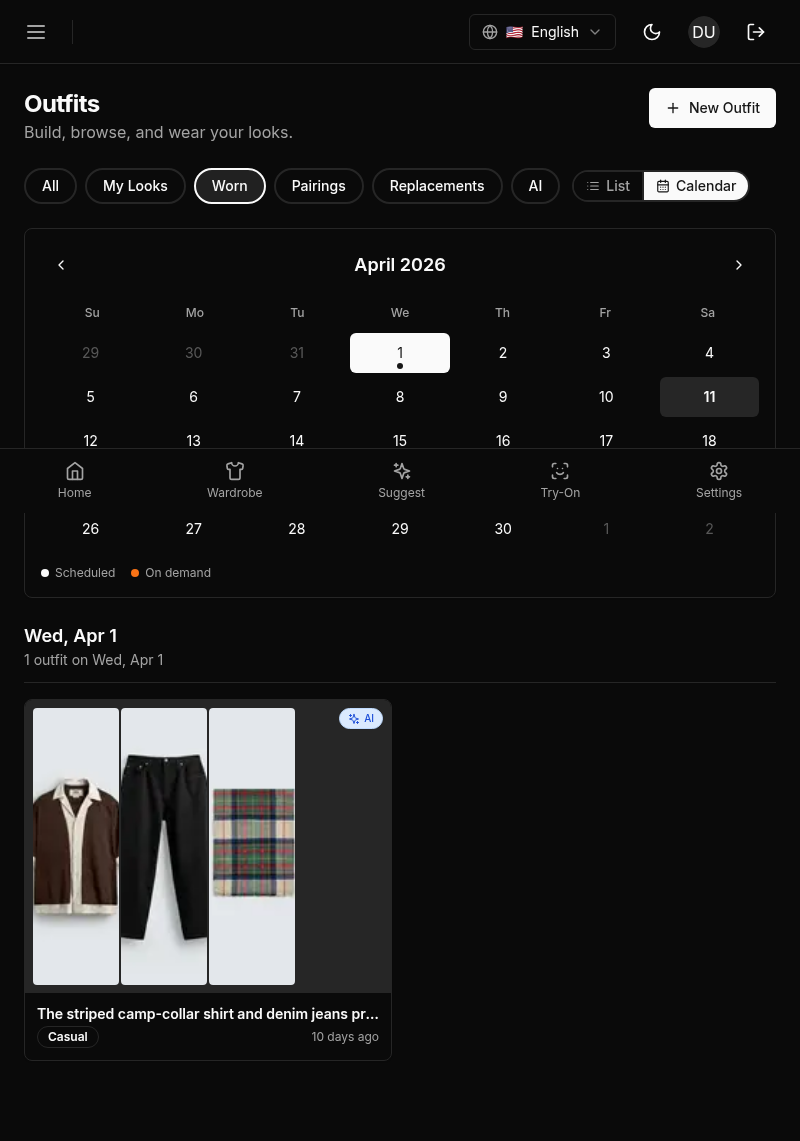
- Left panel: A month calendar. Dates with outfit activity have a dot indicator. Navigate between months using the arrow buttons. Tap a day to filter the right panel to that day.
- Right panel: Outfit cards for the selected date or the full list for the month.
Outfit Cards
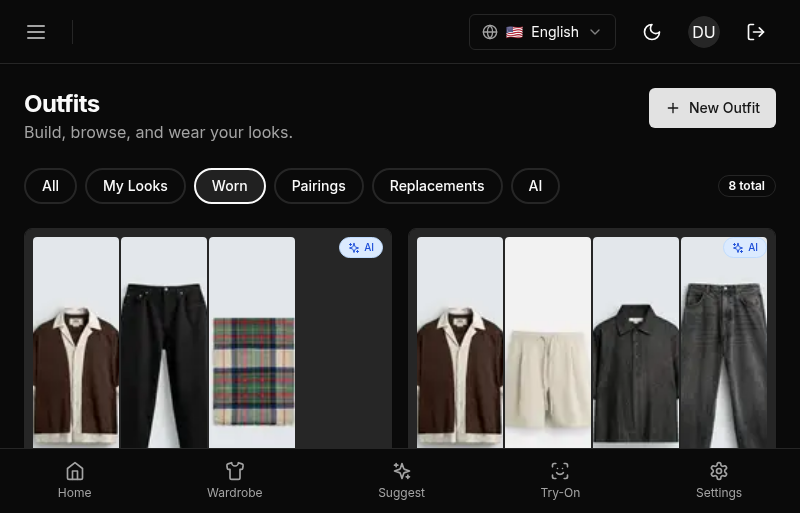
Each outfit card shows thumbnails of the items in the outfit and a badge for where it came from: “AI”, “Studio”, “Pairing”, “Replacement” or “Worn”. Click a card to open the outfit’s page.
Filtering
Switch between “List” and “Calendar” at the top, and narrow the outfits with the filter chips:
- All: every outfit.
- Lookbook: outfits saved to your lookbook. This filter isn’t available in the calendar view.
- Worn: outfits you accepted, whether or not you have logged them as worn yet.
- Pairings: outfits from smart pairings.
- Replacements: outfits recorded when you wore something else instead.
- AI: outfits Wardrowbe suggested.
Outfit Statuses
A suggested outfit starts open and ends in one of these states:
- Accepted: you chose “Wear this”.
- Rejected: you chose “Not for me”.
- Skipped: you chose “Try another”. You can still accept or turn down a skipped outfit later.
- Expired: you didn’t answer it in time.
See Giving Feedback for what each button does.
Expiry
A suggestion you never answered expires at the end of the day after its own day, in your timezone. It stays in your history, and its page says “This suggestion has expired”. Pairings and outfits you have answered never expire.
Outfit Page Actions
What you can do on an outfit’s page depends on its state:
- An open suggestion has “Not for me” and “Wear this”.
- An accepted outfit you haven’t answered the wear check for asks “Did you wear it?” with “Yes, I wore it” and “Not this one”. See Wear Checks.
- A past or expired outfit has “Wear again today”, and “I wore it on” its day when that day is within the last six days. These are part of the trial and paid plans, not the free pass.
Once a wear is logged, the page shows “Worn” and the date.
Mobile: The separate History tab has been replaced by calendar mode inside the unified Outfits tab. The calendar uses a full month grid with larger touch targets. Tap a day to filter to that day.