Daily Outfit Suggestions
The suggest page generates outfit recommendations based on your wardrobe, current weather, style preferences, and past feedback. Each suggestion is a complete outfit with reasoning.
Choosing an Occasion
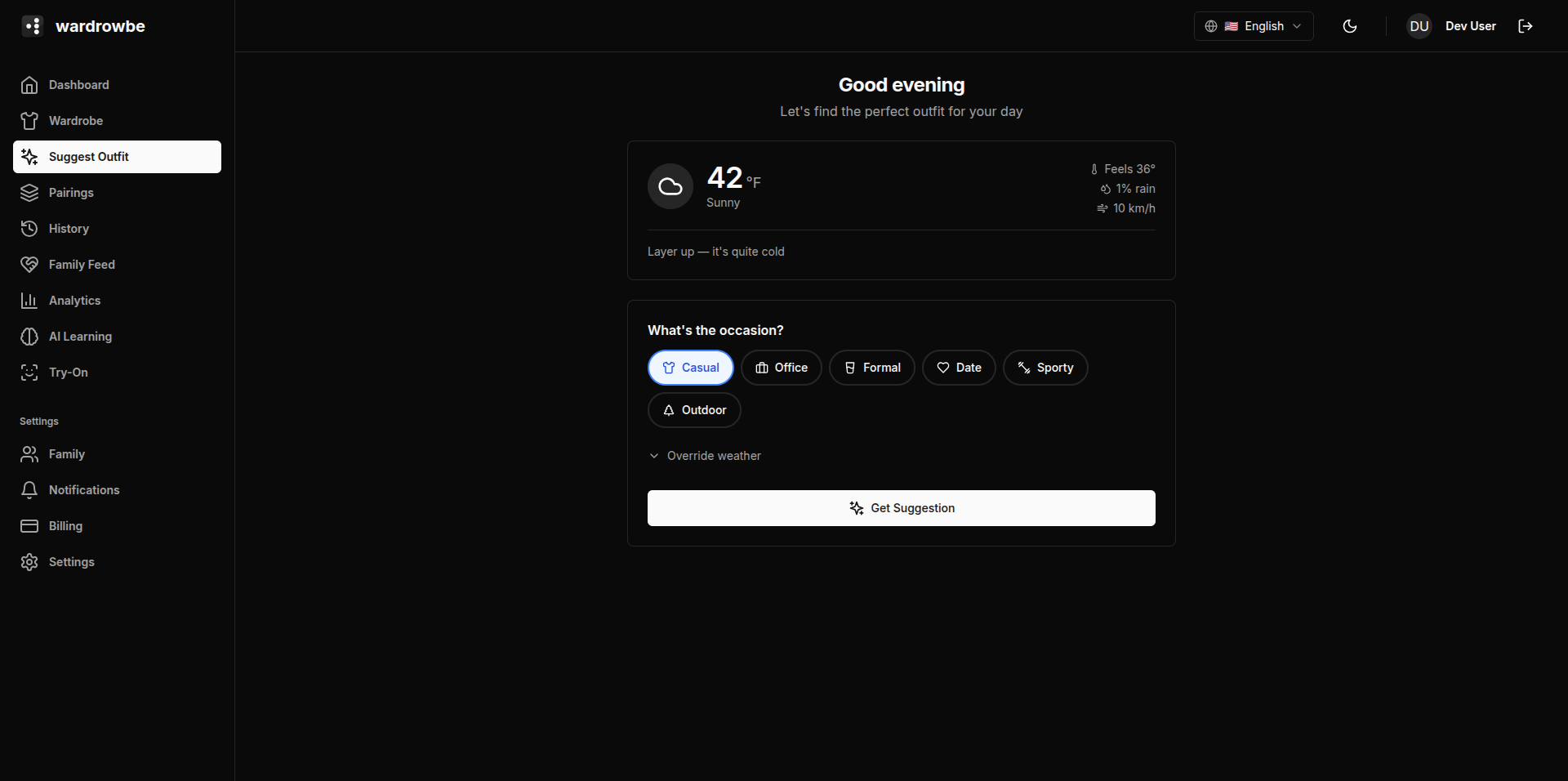
Before generating a suggestion, select the occasion. Six occasion chips are available, each color-coded:
| Occasion | Color |
|---|---|
| Casual | Blue |
| Office | Slate |
| Formal | Purple |
| Date | Rose |
| Sporty | Orange |
| Outdoor | Green |
The occasion tells the AI what formality level and item types to prioritize.
What the AI Considers
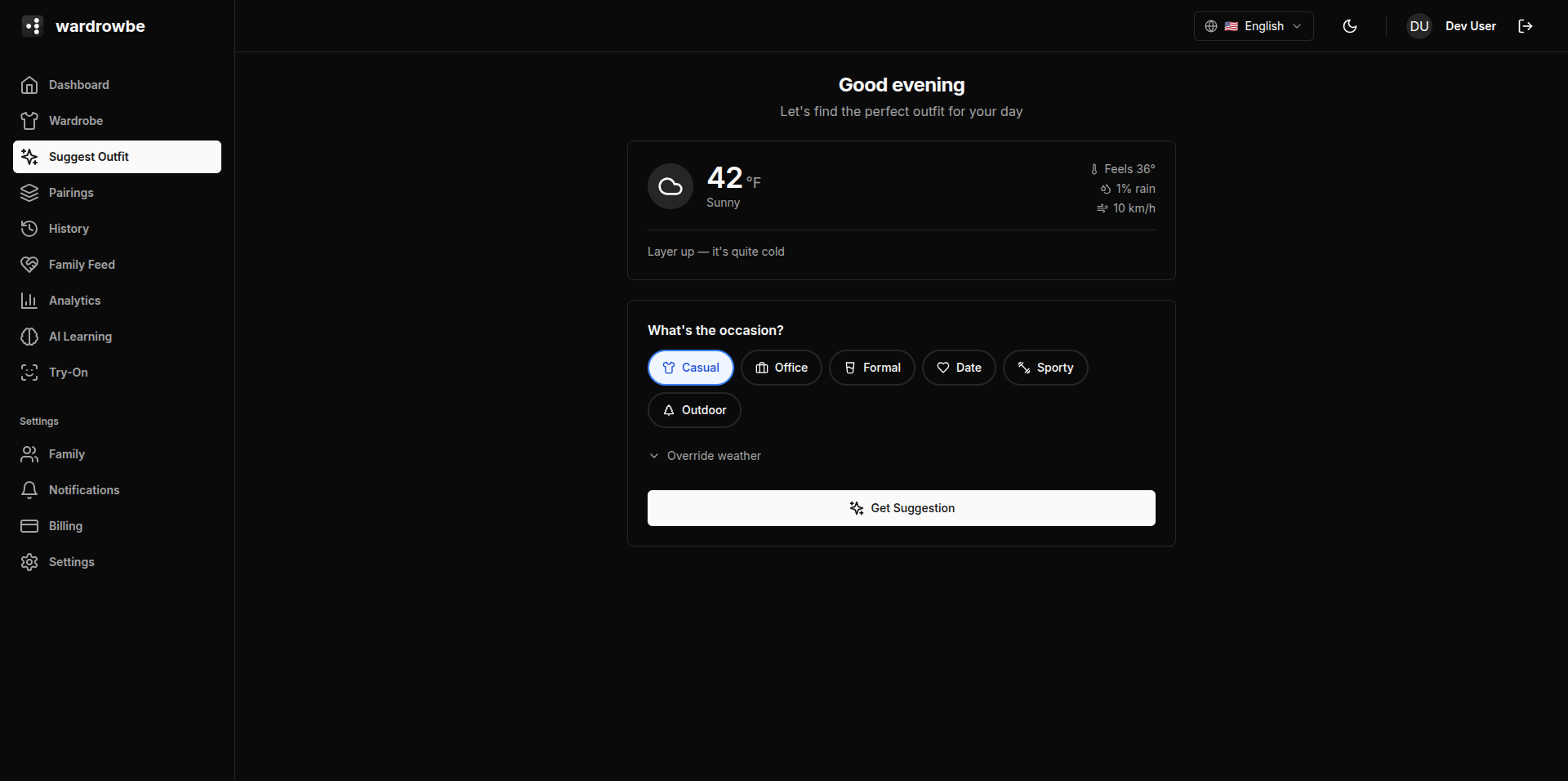
When generating an outfit, the AI weighs multiple signals:
- Your wardrobe: Only items in your active wardrobe (not archived, not needs-wash) are considered.
- Weather: Current temperature, precipitation chance, and wind speed. The AI adjusts for layers, footwear, and outerwear accordingly.
- Style preferences: Your casual/formal/sporty/minimalist/bold sliders from Preferences.
- Wear history: Recently worn items are down-weighted. Forgotten items get a gentle boost.
- Past feedback: Accepted and rejected outfits, ratings, and wore-instead patterns all influence future suggestions.
- Occasion: The selected occasion constrains the formality range and item type priorities.
The Outfit Result
The suggestion result shows:
- Outfit items: Each item displayed as a thumbnail with its name and type. Typically 3-5 items depending on weather and occasion.
- Reasoning: A short explanation of why these items were combined (e.g., “The weather is cool so a light jacket works well. The navy chinos keep the look office-appropriate.”).
- Highlights: Key style notes about the outfit (e.g., color harmony, layering logic).
- Style tip: One actionable styling note (e.g., “Tuck in the shirt to make the silhouette cleaner.”).
Actions
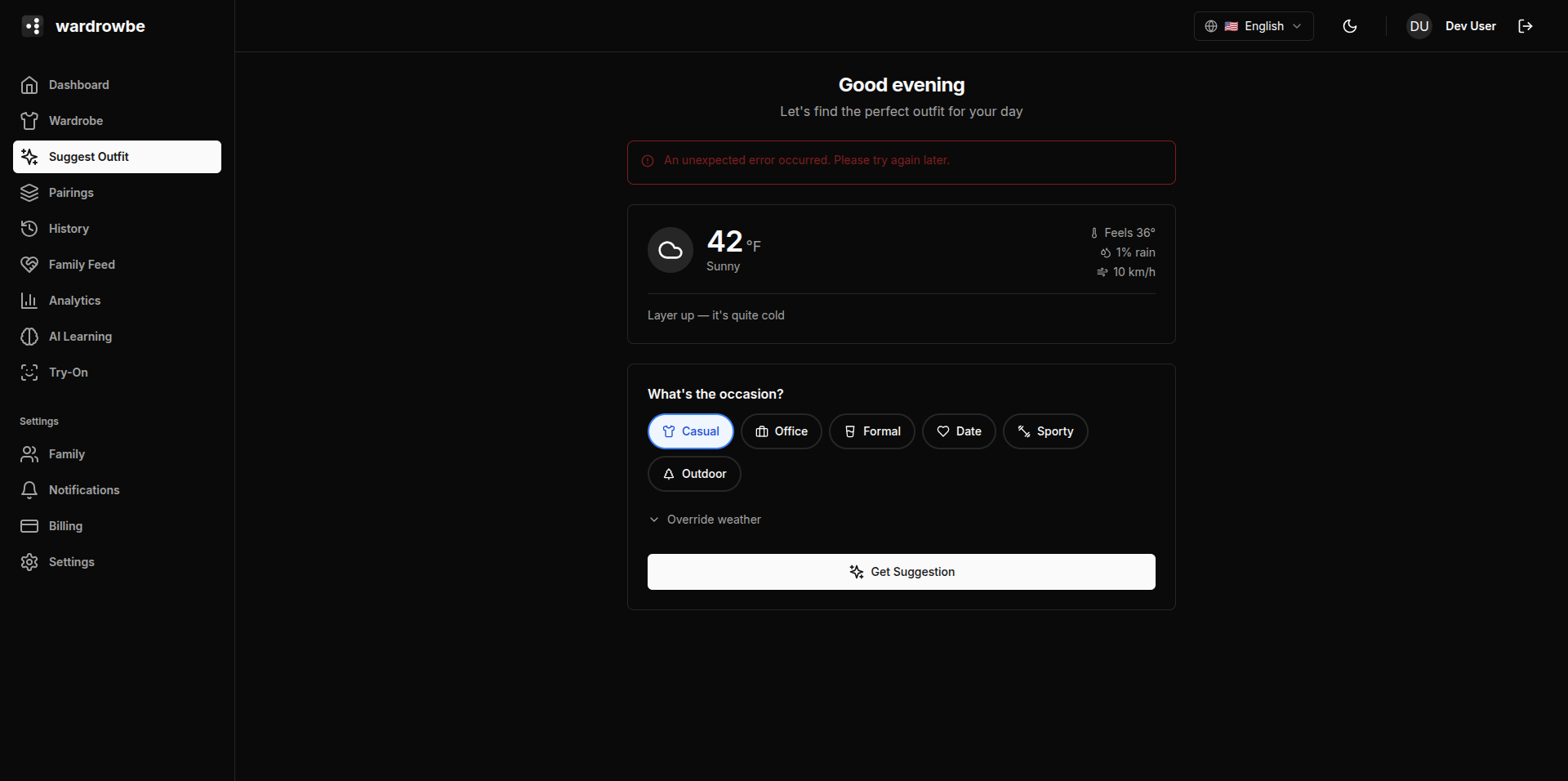
After reviewing the suggestion, you have three options:
- Love it: Accept the outfit. It’s saved to your Outfit History and treated as a positive signal for future suggestions.
- Try Another: Reject the current suggestion and generate a new one for the same occasion and weather. The rejected outfit is noted but doesn’t count as a strong negative signal.
- Reject: Dismiss the suggestion with optional feedback. The feedback flow opens so you can explain what you didn’t like.
Generating Multiple Suggestions
You can generate as many outfit suggestions per day as you want. Pressing “Try Another” generates a fresh one each time. The AI avoids repeating the same combination within a short period.
Mobile: The Suggest tab is the third tab in the bottom navigation. It works identically to the web version. The page refetches weather data each time you navigate to it so the suggestion is always based on current conditions.