AI Configuration
By default, Wardrowbe uses the managed AI infrastructure included with your subscription. If you want to use your own AI endpoint (self-hosted model, enterprise API, or a specific model not available by default), you can configure a custom endpoint here.
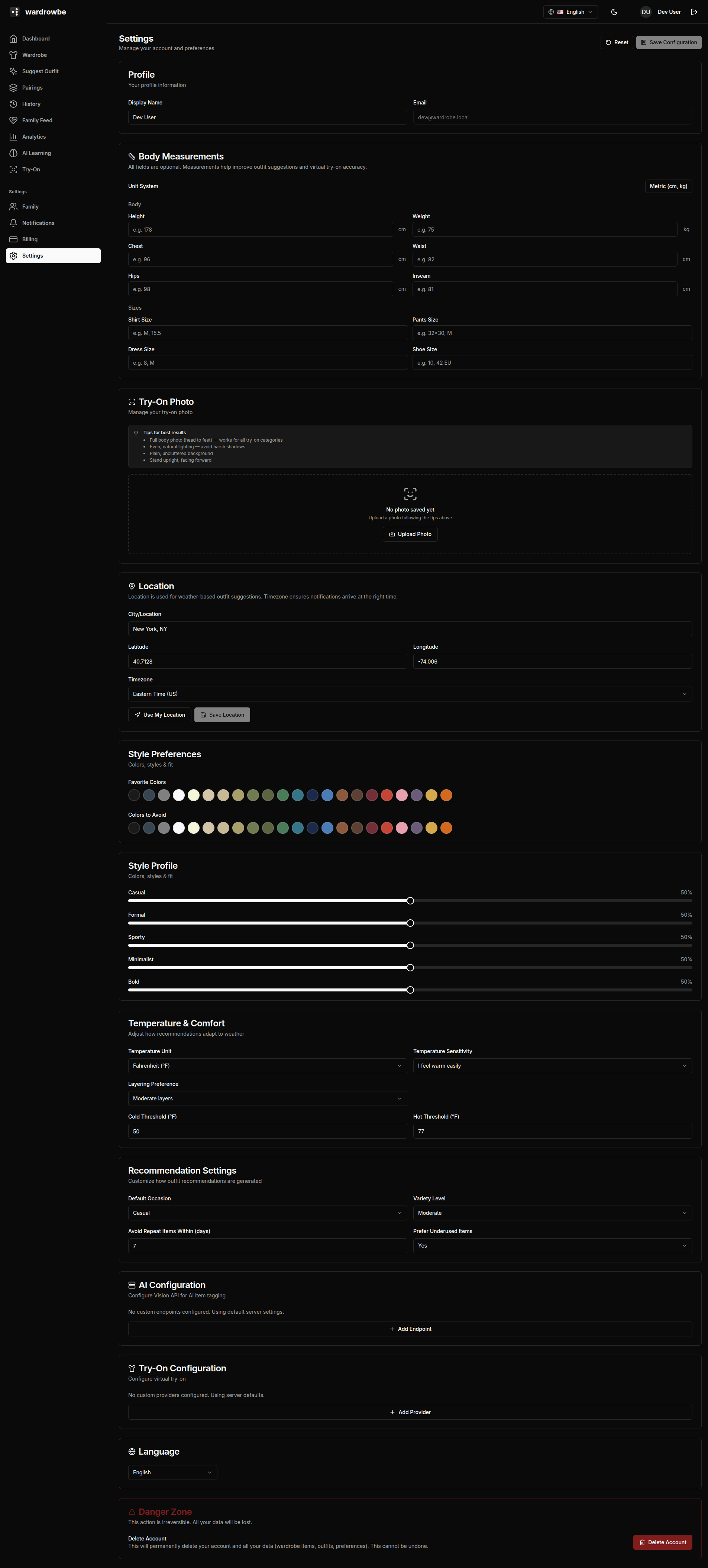
Custom AI Endpoint
The custom endpoint configuration covers the main AI pipeline: vision analysis for item tagging, outfit generation, and style insights.
Fields:
| Field | Description |
|---|---|
| Provider type | OpenAI-compatible, Ollama, or custom |
| Base URL | The API base URL (e.g., http://localhost:11434/v1 for Ollama) |
| API key | Authentication key if required. Leave blank for unauthenticated local endpoints. |
| Model | Model name to use (e.g., llava, gpt-4o, gemini-pro-vision) |
After filling in the fields, click “Test Connection.” The app sends a minimal probe request to verify the endpoint is reachable and returns a valid response.
A status indicator shows:
- Green / Connected: The endpoint responded successfully.
- Red / Error: The endpoint was unreachable or returned an error. Check the URL, API key, and model name.
Custom Try-On Provider
Virtual try-on uses a separate image generation model and can have its own endpoint configured independently.
Fields:
- Endpoint URL: The full URL for the try-on inference endpoint.
- API key: Authentication key if required.
This replaces the default try-on infrastructure. The endpoint is expected to accept a person image and garment image and return a composited result image.
When to Use Custom Endpoints
Custom endpoints are useful for:
- Self-hosted setups: Running Ollama or another local model on your own hardware for full privacy.
- Specific model access: Using a model not available through the managed infrastructure (e.g., a fine-tuned vision model).
- Enterprise deployments: Routing all AI traffic through an internal API gateway.
For self-hosted Wardrowbe users, custom endpoints are the primary way to configure the AI backend.
Reverting to Default
To go back to the managed infrastructure, clear the custom endpoint fields and save. The app returns to using the default AI configuration.
Mobile: Custom endpoint configuration is in Settings > AI on mobile. The same fields and test button are available.