Account Settings
The settings page covers your profile, location, units, and account management.
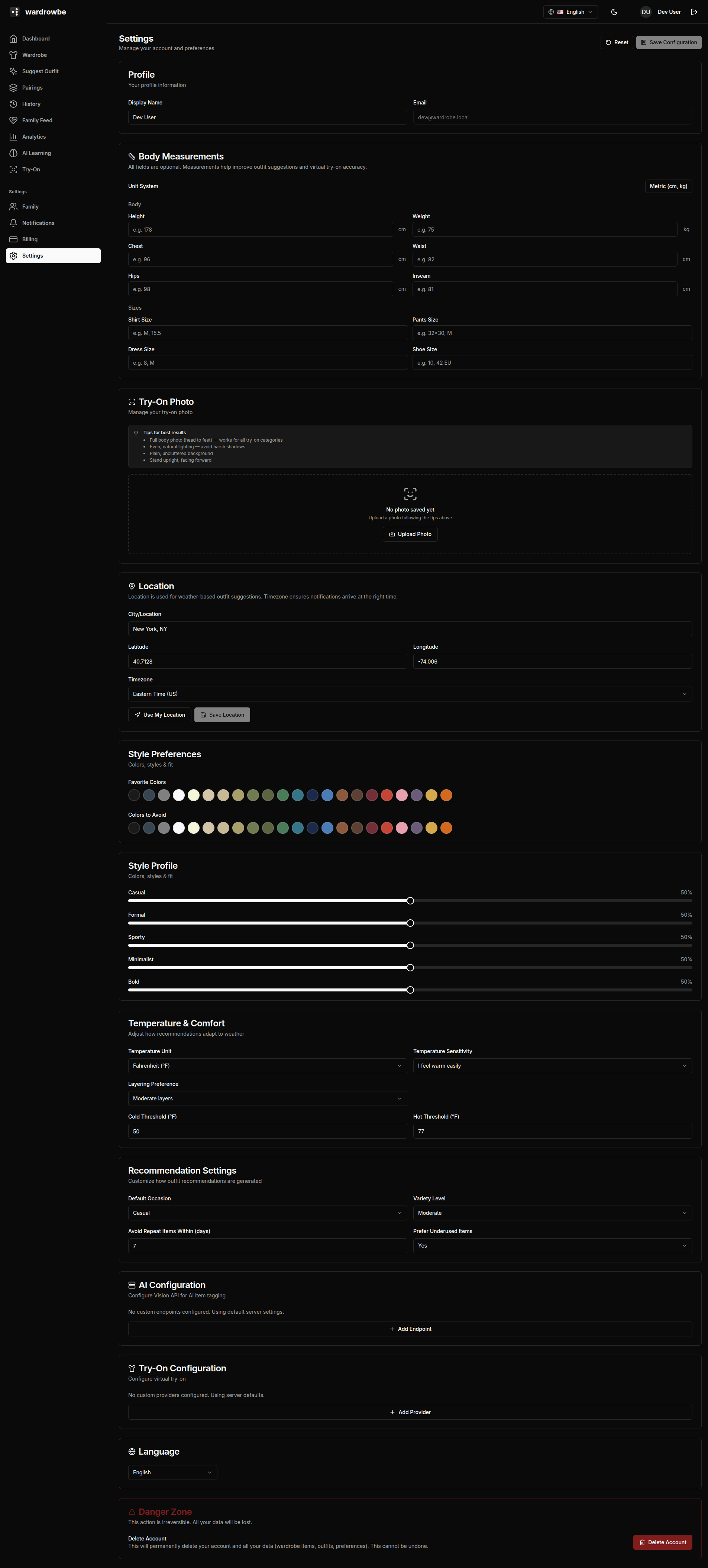
Profile
- Display name: The name shown in the app and to family members.
- Avatar: Upload a profile photo. Used in the family feed.
- Email: Your account email. Shown read-only if your account uses OIDC sign-in.
Location and Timezone
- Location: Your city, used for weather data in outfit suggestions. Type a city name or click “Detect” to use browser geolocation. The city is resolved to a latitude and longitude for weather API calls.
- Timezone: Your local timezone. Used for notification schedules and date display in outfit history. Click “Detect” to auto-fill from your browser.
If your location is wrong, outfit suggestions may reference incorrect weather conditions. Update this whenever you move or travel.
Units
- Temperature: Celsius or Fahrenheit. Controls the temperature display everywhere in the app.
- Measurement system: Metric or imperial. Controls units for body measurements and clothing size fields.
Language
Select your preferred language. The interface, AI-generated outfit reasoning, and AI tag names follow the selected language where supported.
Body Measurements (Optional)
Height and weight in your preferred units. Used by Virtual Try-On for better fit visualization. Not required for outfit suggestions.
Clothing Sizes (Optional)
Standard sizes for tops, bottoms, shoes, and outerwear. Stored for your reference. Not used by the AI for suggestions.
Style Preferences
A link to the Style Preferences page where you manage color preferences and style sliders.
Account Actions
- Sign out: Ends your session on this device.
- Delete account: Permanently deletes your account, wardrobe, outfit history, and all associated data. A confirmation dialog requires you to type your email address before deletion proceeds.
Account deletion is irreversible. There is no grace period or recovery option.
Mobile: Settings is the fourth tab in the mobile app. All fields behave identically. Location detect uses the device’s location services.