Smart Pairings
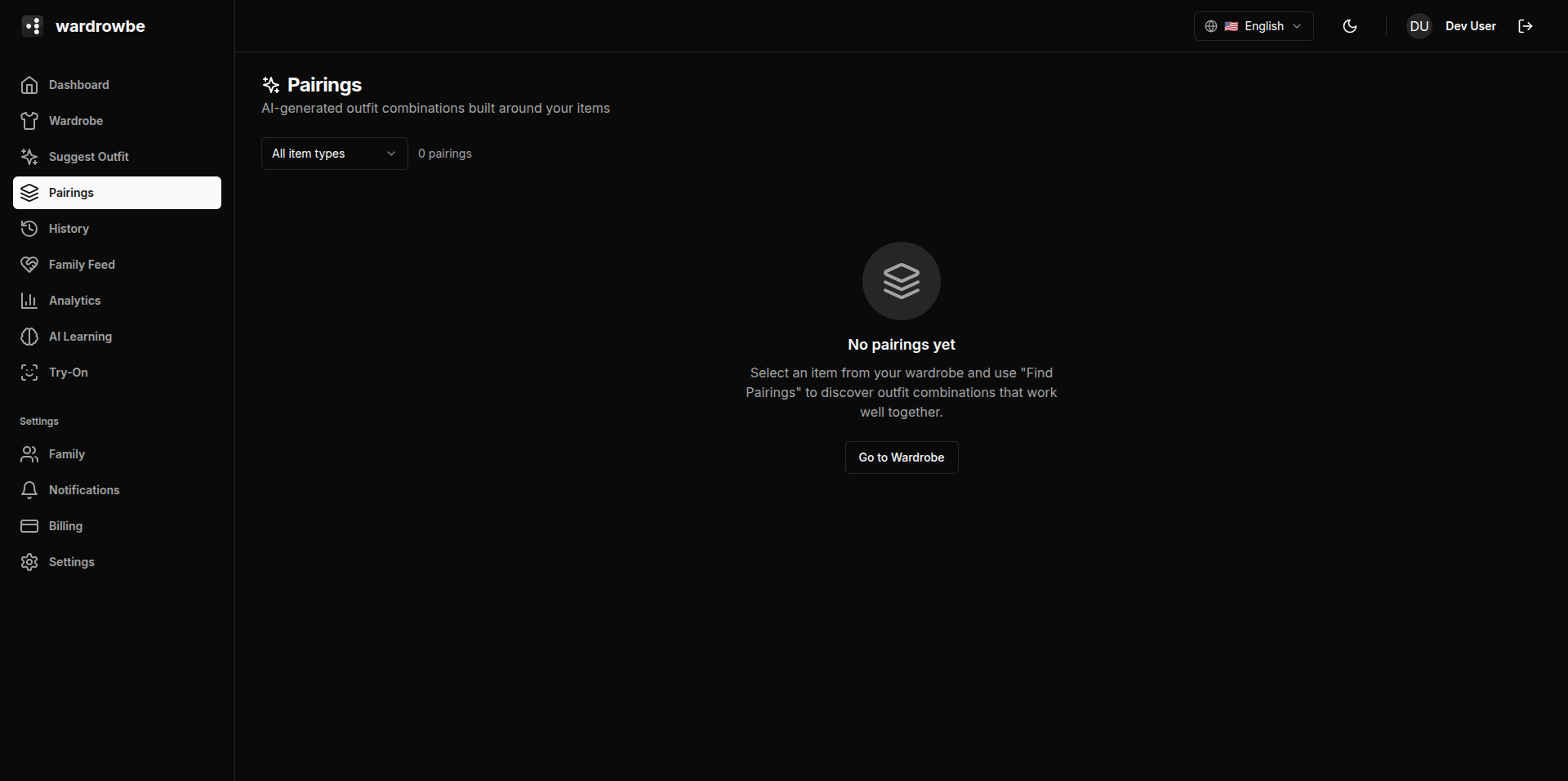
Smart pairings are item combinations the system has identified as working well together, based on your outfit history and AI analysis. They represent repeating patterns in what you actually wear.
How Pairings Emerge
Pairings are discovered in two ways:
From outfit history: When you accept outfits, the system tracks which items appear together. Items that are combined repeatedly across multiple accepted outfits form a pairing.
From AI generation: The system periodically runs AI analysis over your wardrobe to identify combinations that would work well together, even if you haven’t tried them yet. These are labeled with a “Generated” source type.
New pairings appear as your history grows. Expect to see meaningful pairings after 20-30 outfit interactions.
Pairing Cards
Each pairing is shown as a card with:
- Source type: “History” (emerged from your accepted outfits) or “Generated” (AI-identified suggestion).
- Occasion: The occasion(s) this pairing suits.
- Items: Thumbnails of the two items in the pairing.
- Success rate: Percentage of times this combination appeared in accepted vs. rejected outfits.
- Times paired: How often these items have appeared together.
Filtering by Type
The pairings page has a filter bar to narrow down by:
- Source type (history vs. generated)
- Occasion
- Item type (e.g., “show pairings involving shirts”)
Previewing Pairings
Click any pairing card to expand it. The expanded view shows the full item details for both pieces and, where available, other items that have appeared alongside this pairing (i.e., what shoes or accessories typically complete the look).
Building Better Pairings
The quality of pairings improves with more interaction. The most effective ways to build up good pairing data:
- Accept outfits you actually like. Each acceptance reinforces the combinations in that outfit.
- Rate outfits after wearing. High ratings weight those combinations more strongly.
- Use Wore Instead. When you choose a different outfit, those selections become pairing data too.
Pairings are not editable directly. They reflect what you’ve actually done. If a pairing no longer feels accurate, the best fix is to reject outfits containing that combination and rate alternatives positively.
Mobile: Pairings are available in the wardrobe section of the mobile app. The card layout adapts to a single-column scroll view on smaller screens.