
Four questions to ask in the shop
Four questions you can answer standing in the shop. The first two are the hard ones from memory, and they are the two Scan answers from your wardrobe.
Can you name two things you already own that it goes with?
Do you already own something that does the same job?
Would you wear it to something you dress for most weeks?
Would you still want it if it weren't on sale?
Answer all four and the result shows here. Nothing leaves your browser.
Three steps, one decision
- Step 01
Photo or link
Photograph the piece in the shop, or paste the link to its product page. If the photo shows several garments, the main one is scanned.
- Step 02
Checked against your wardrobe
Scan reads the garment and compares it with the clothes you have already added: up to three close matches, nearest first.
- Step 03
A verdict, and the outfits
You get Good fit, Worth a second look, You may already own this, or Add more clothes first, with up to three outfits it makes and the gaps it fills.
One new piece, the rest already yours
Scan pairs the new piece with clothes you already own. A good fit isn't the same as or very close to anything you own, makes at least two outfits with your clothes, and either fills a gap or adds something new to your wardrobe.
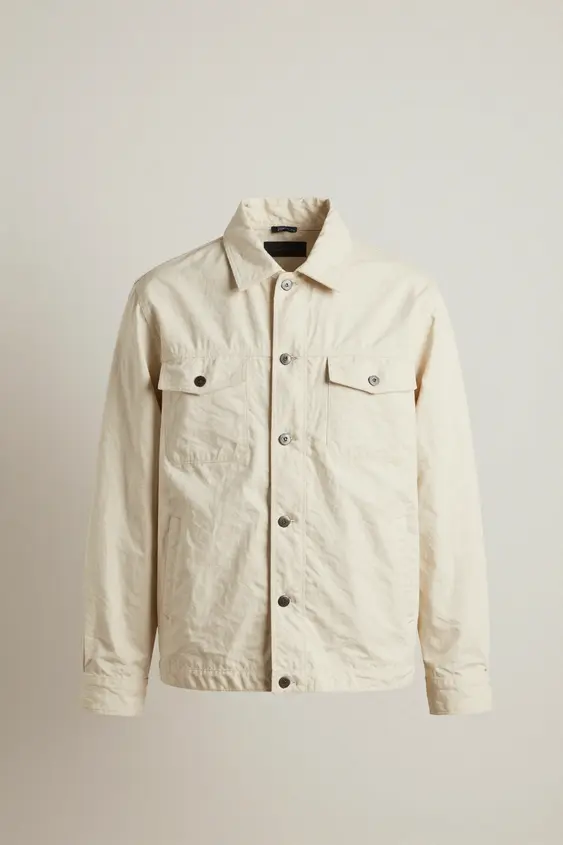
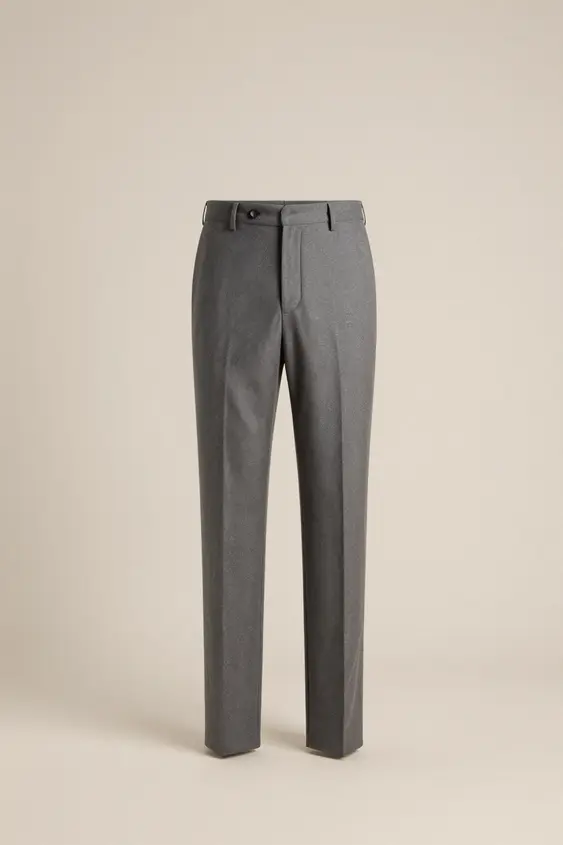
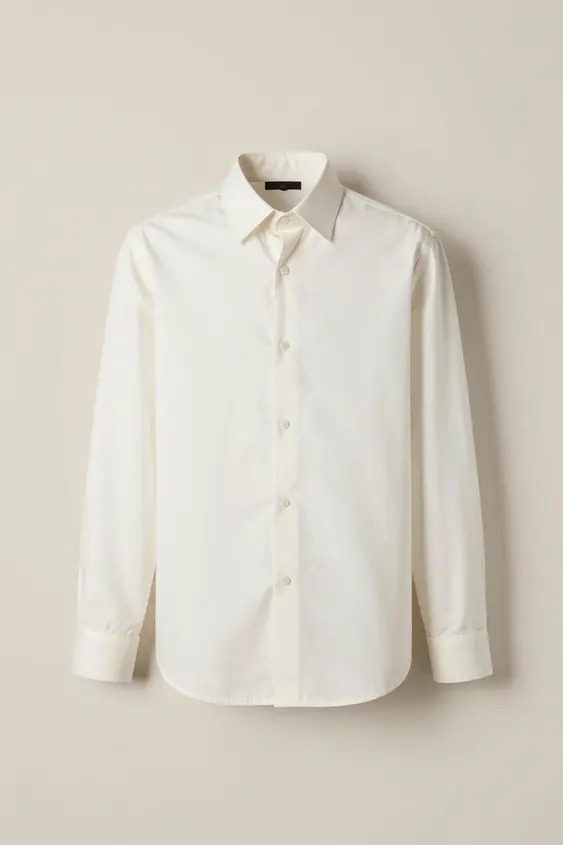
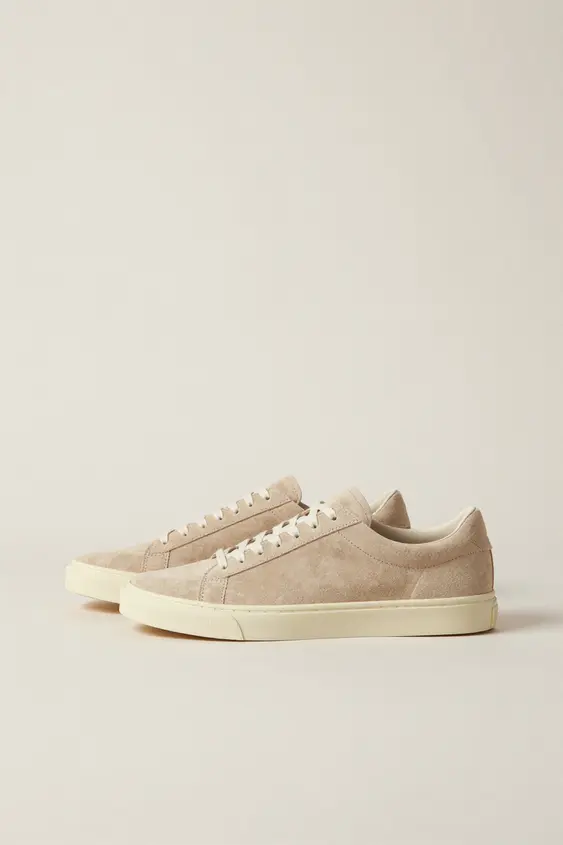
Illustration with garments from our demo catalog. The real verdict is the Scan screen above.
Scan and other apps
| Feature | Wardrowbe Scan | Nouva | Acloset |
|---|---|---|---|
| Checks a garment before you buy | Yes, from a shop photo or a product link | Yes, Shop Scan gives a GET IT or SKIP IT verdict (site) | Not stated |
| Shows close matches you own | Yes, up to three, labelled Same piece, Very close or Similar | Not stated | Not stated |
| Shows the outfits it would make | Yes, up to three from your clothes | Not stated | Not stated |
| Adds it to your wardrobe if you buy it | Yes, with I bought it, already tagged | Not stated | Not stated |
| Platforms | iPhone and the web, with Android in closed beta | iOS and Android; no web app advertised | iOS and Android; no web dashboard |
| Price | $10 a month or $108 a year, after the 14-day trial | Free tier, or Nouva Plus $4.99 a month on the App Store ($6.99 on its site) | Free up to 100 items; Basic from $3.99 a month |
Wardrowbe from the app as it is today. Other apps from their App Store listings and own sites, checked .
Scan starts with the trial
Every account can start on the free pass, which covers 15 items but not Scan. Scan opens with the 14-day trial and stays with a Cloud plan.
Free pass
15 items, 3 outfit suggestions and 1 shared look.
- Not included: Scan before you buy
- Gap report, wear checks and wardrobe review
14-day trial
Takes a card and charges nothing until it ends.
- Scan before you buy
- Every Cloud feature
Wardrowbe Cloud free pass, trial and plansiPhone and the web, with Android in closed beta
Asked about Scan
Can I scan a link instead of a photo?
Yes. Paste the link to the shop's product page and Wardrowbe uses its product picture. Some shops don't let Wardrowbe read their pages; then save the picture and scan it as a photo.
Is Scan free?
Scan needs the 14-day trial, which takes a card and charges nothing until it ends, or a Cloud plan at $10 a month or $108 a year. The free pass does not include it, but the checklist on this page is free and runs in your browser.
What if I have only a few clothes in Wardrowbe?
Scan needs at least two of your items to have finished tagging before it can judge a new piece. Until then the verdict is Add more clothes first.
Does Scan tell me not to buy something?
No. The verdict is a suggestion based on your wardrobe, with the reasons beside it, and the decision stays yours.
Does Scan work on Android?
Scan is in the iOS app and in the web app at app.wardrowbe.com, which works in the browser on any Android phone. The Android app is a closed beta on Google Play.
Is Scan in the self-hosted version?
No. Scan is a Wardrowbe Cloud feature. The self-hosted open source edition is a separate project and doesn't include it.